| Status: | Active, open to new members |
| Coordinator: | |
| When: | Minchinhampton Area |
| Venue: | Member's Home |
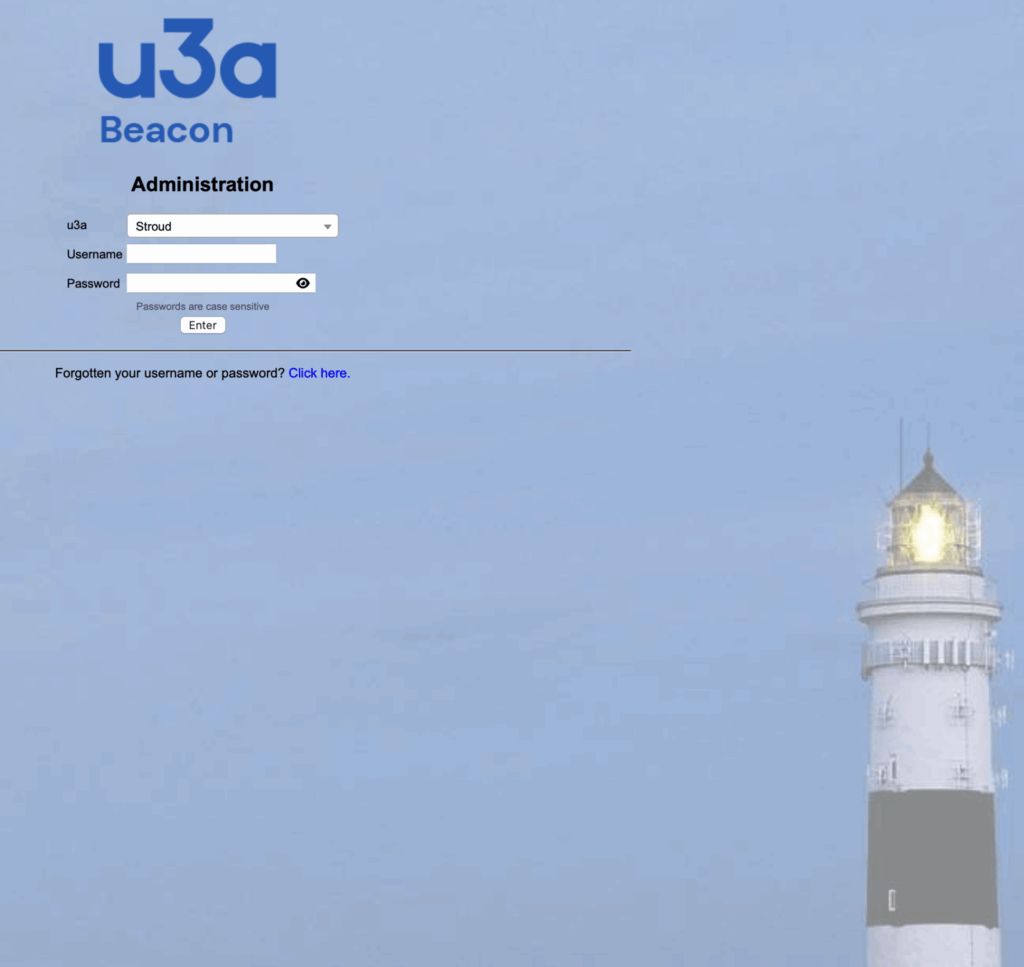
This short course is for Group Coordinators in Stroud u3a or for those about to start groups as new Group Coordinators. It is also for any person who assists or is planning to assist a Group Coordinator in administering a Group using our Beacon system.
This is new to Stroud u3a and therefore please expect it to be experimental. Expressions of interest are invited for this course which may be a single session or a short course of several sessions depending on how it goes/develops. This offering will be refined as time progresses. To make real progress, we will need to limit numbers on each course but, assuming there is enough interest, we plan to repeat the course regularly so put your name down if interested and we'll offer you a place as soon as available.
Joining this Stroud u3a course at this early stage means that you will be able to help shape its scope, content and depth.
To join this course you need:
- A suitable device (that's not a Smartphone) - see list of possible devices below.
- To be familiar with your device and able to use it for all of the following:
- Internet Browsing
- The basics of logging into and using Websites
If you have a device but don't feel comfortable with using it, then try our Computing for Near Beginners (NEED LINK HERE) course first. That course will provide you with all of the basics needed to join this one.
Ideally, you will bring your own device along to the course and use it to try out and practice any skills we are learning together. If you only have a "desktop" (i.e. a non-portable device) you are still welcome to attend the course and may get a little practice on one of our devices but it will not be as do-able for you.
The list of devices and operating systems that we will do our best to support on this course will be:
- Apple iPad (iPadOS)
- Apple Mac (MacOS)
- PC (Windows 10 or later)
- Chromebook (Google OS)
- Tablet (Android OS)
- Kindle Fire (Fire OS)
Course Outline
The course will run at the pace of those taking part. There will be lots of opportunities for question and discussion.
Introduction to Beacon
- What is Beacon?
- Beacon overview and overall structure
- Benefits of Beacon
- To Group Coordinators
- To Members
- To Stroud u3a as a whole
- Relationship between Beacon and Website in Stroud u3a
The Basics
- Accessing the Beacon login screen
- Logging in as a System User
- The Beacon Home Page
- Logging in with a new password
- Beacon Cookies and Anti-Track Software
- Some tips when using Beacon
Groups
- Groups List
- Group Records: Details
- Group Record: Schedule
- Group Record: Members
- Group Record: Ledger
- Adding & Removing Groups (Administrator Role)
- Group Venues
- Group Faculties
- The Calendar
- Dealing with a Waiting List (or not?) - options and pitfalls
- Groups for one-off events (for Information)
- Removing deleted members from Groups
- Hiding Contact Details from Group Leaders
Emails and letters
- Communications with and between Group Members
- Issues
- Options
- Emails
- Sending Emails
- Standard Email Messages
- Email Delivery
- Email Unblocker for information
- Email tips, duplicates and sender issues
- Letters
Some Other options
- Personal Preferences
Online Services
- Members Portal and Groups - Broadening horizons
- Viewing your Interest Groups (Member Perspective)
- Viewing your Calendar (Member Perspective)
- Reminder: Keeping your own Personal Details up to date